Help Center

Account settings and subscription

Use Account Settings for email addresses, language, location, timezone, subscription, invite code, data export, and account controls.

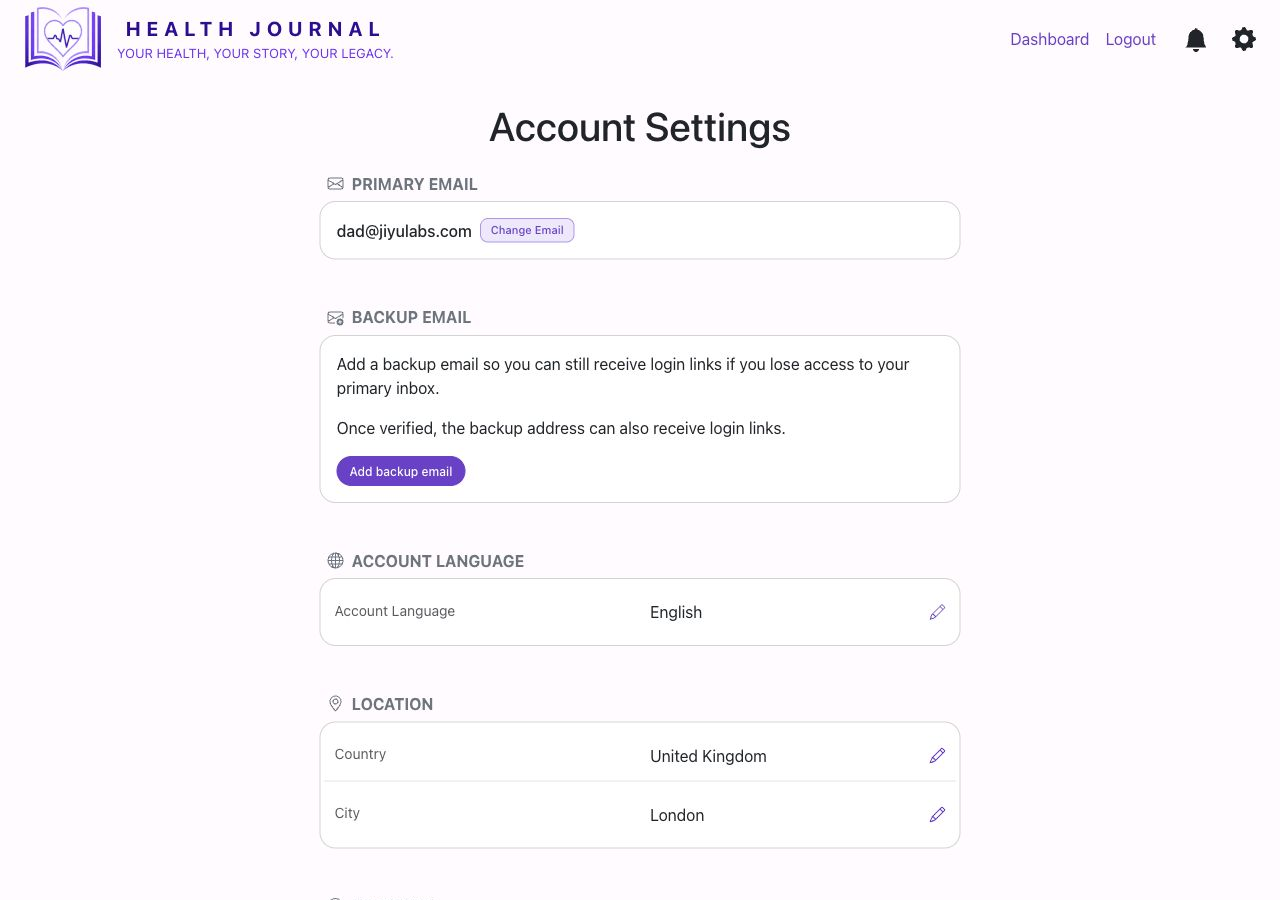
Real Account Settings screen
Real app screen: Account Settings with email, language, location, timezone, subscription, invite code, and export sections.

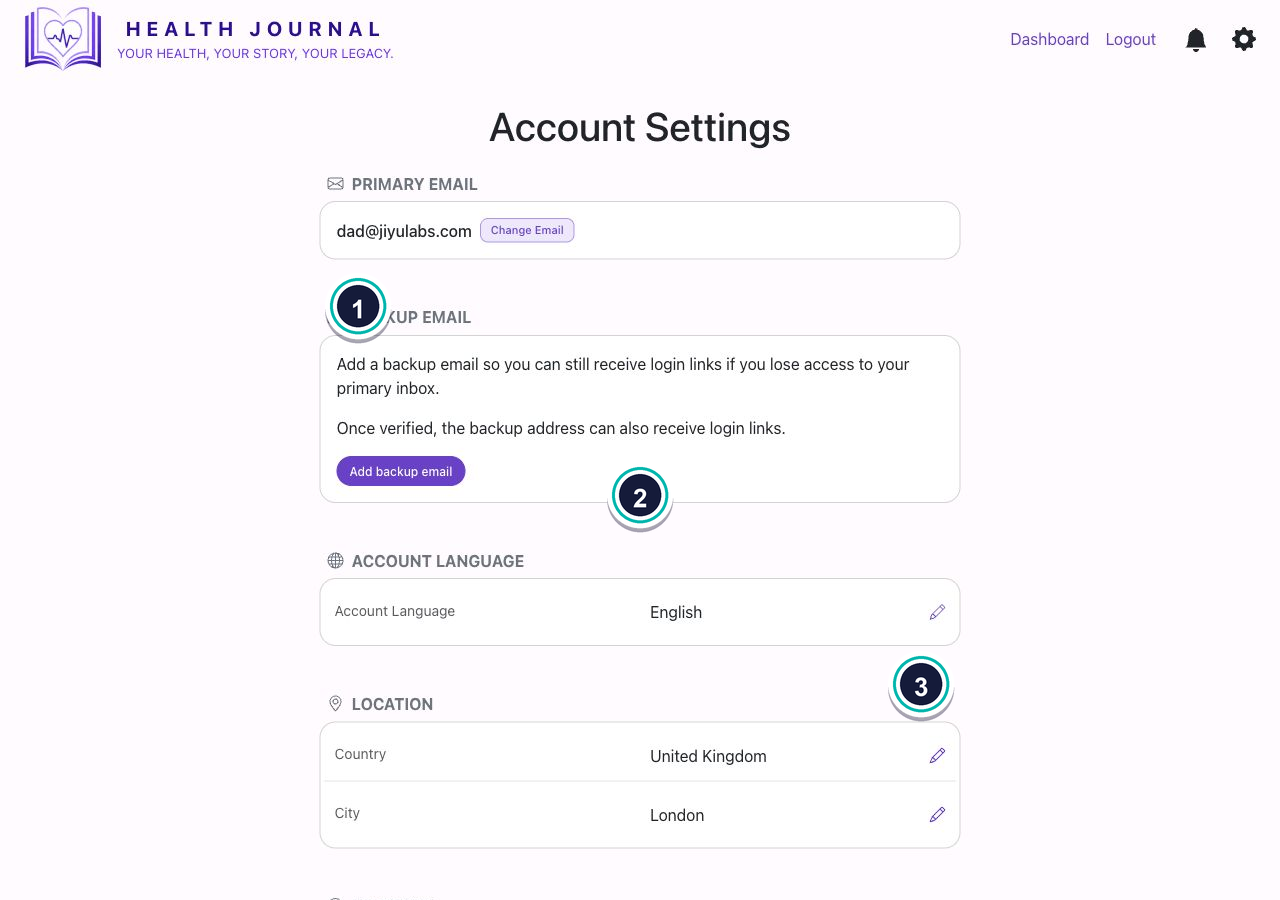
Open Account Settings
Account settings
  • 1Use the settings cog. The account settings page opens from the app header.
  • 2Work section by section. The real screen groups email, language, location, timezone, subscription, invite code, data export, and delete account.
  • 3Use buttons inside each section. Only choose actions you intend to complete.

Email and backup email

  1. Primary email is the main address for account messages.
  2. Backup email can help if you lose access to your primary inbox.
  3. Verify a backup email before relying on it for login links.

Language, location, and timezone

  1. Account language controls the language used by the app where translations are available.
  2. Country and city give location context.
  3. Timezone helps dates and times display correctly.

Subscription

  1. The screen shows plan, status, and next renewal where available.
  2. Use Manage subscription for billing management.
  3. Use Change plan only when you intend to change plan.

Invite code, export, and account controls

  1. Your invite code can be shared with people you want to invite.
  2. Data export is for downloading your information.
  3. Delete account is a serious account action and should be used carefully.