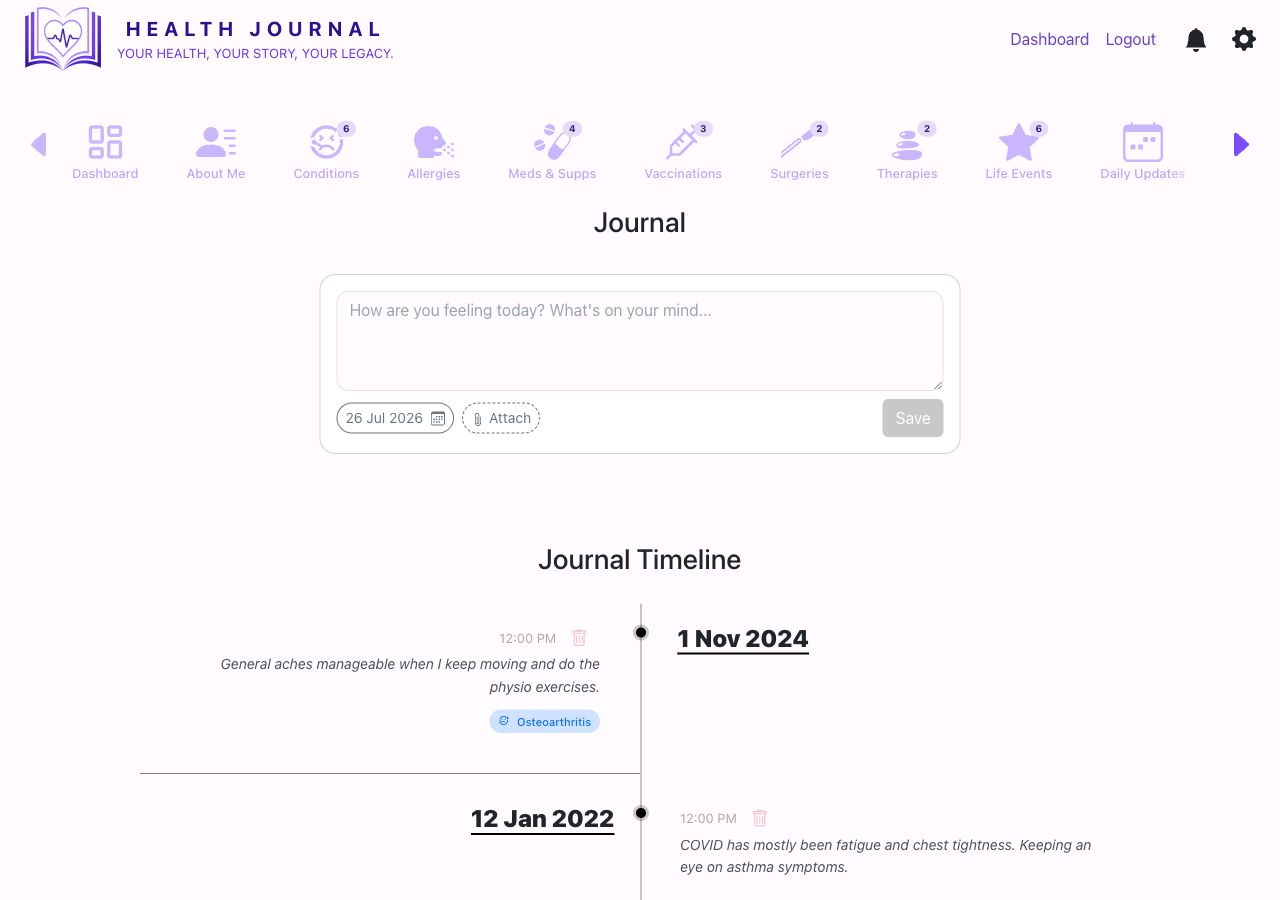
Write a journal entry

- 1Use the entry box at the top. Write the note for today or the selected date.
- 2Attach files if needed. Use Attach for supporting uploaded files.
- 3Read the timeline below. Older notes appear in date order and may be linked to a health record item.
- Open Journal. Use the Journal navigation item.
- Write the note. Keep it clear enough that you will understand it later.
- Attach files only when they add useful context. Uploaded files shared with journal entries may also be visible if you include journal entries in a share.
- Choose Save. The entry appears in the Journal Timeline.