Open a timeline view
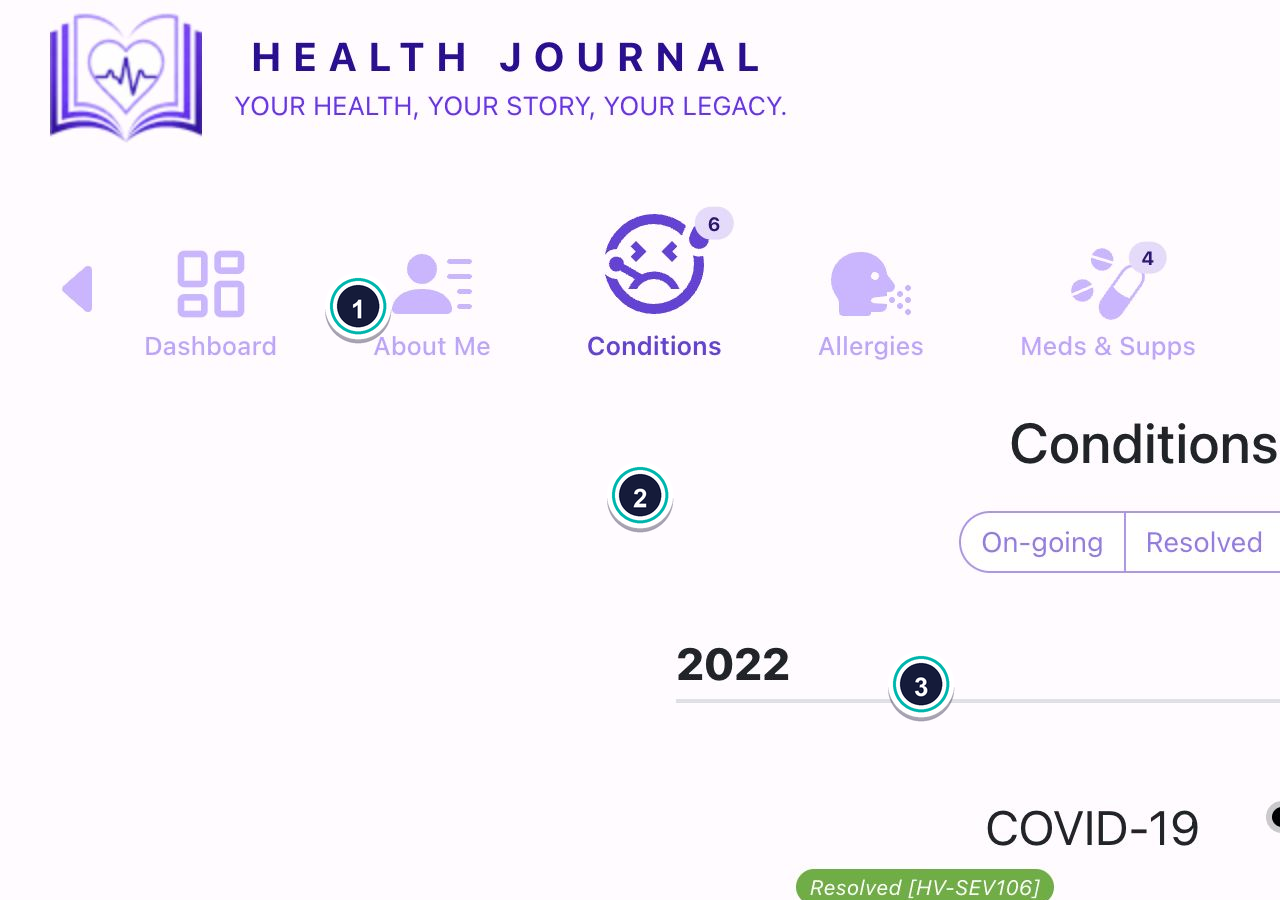
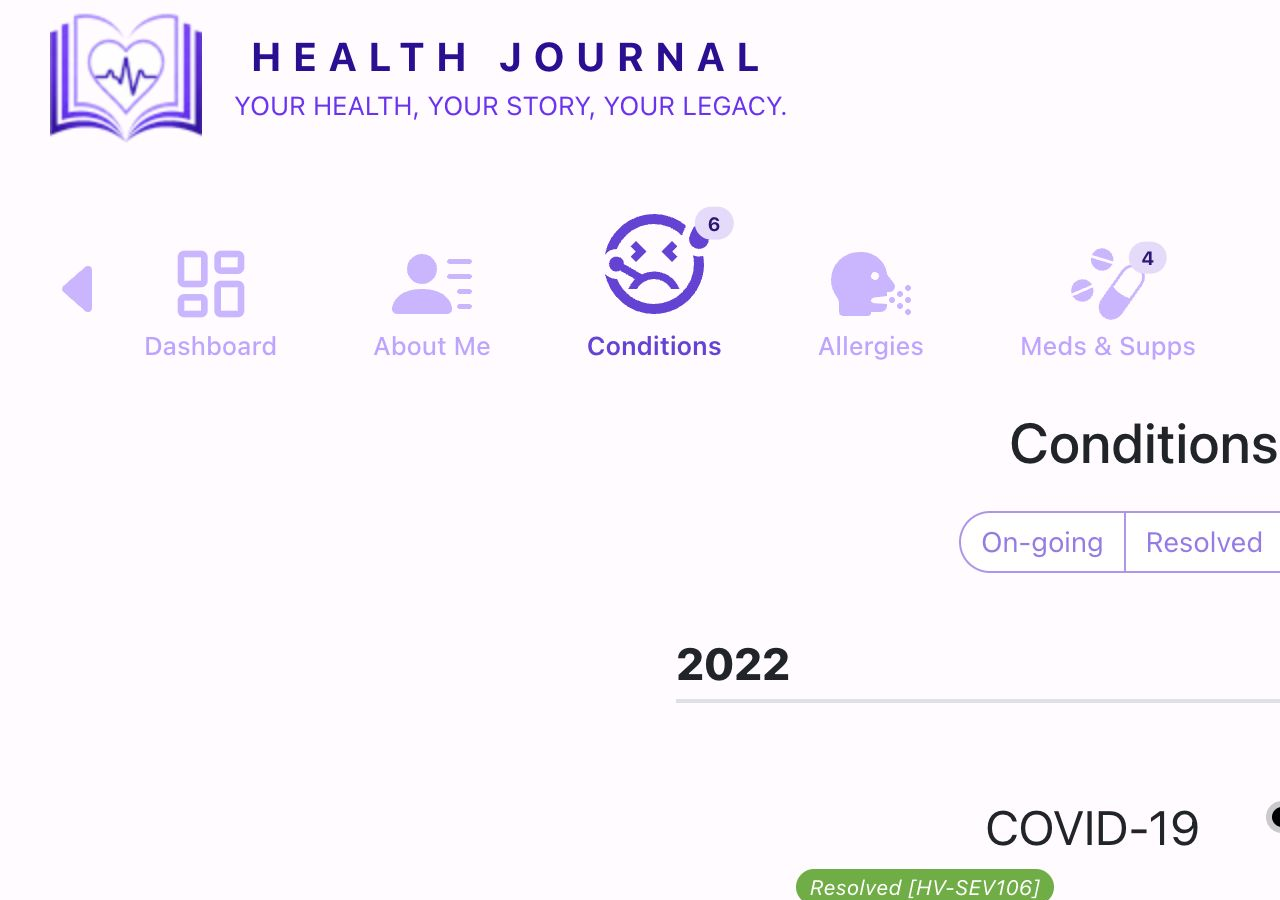
- 1Open Conditions. Use the Conditions icon in the main navigation.
- 2Choose Timeline. The list changes into dated entries grouped by year.
- 3Use View history. Open this when you need more detail about severity changes.
Use timeline-style views to understand when conditions started, when they resolved, and how severity changed over time.