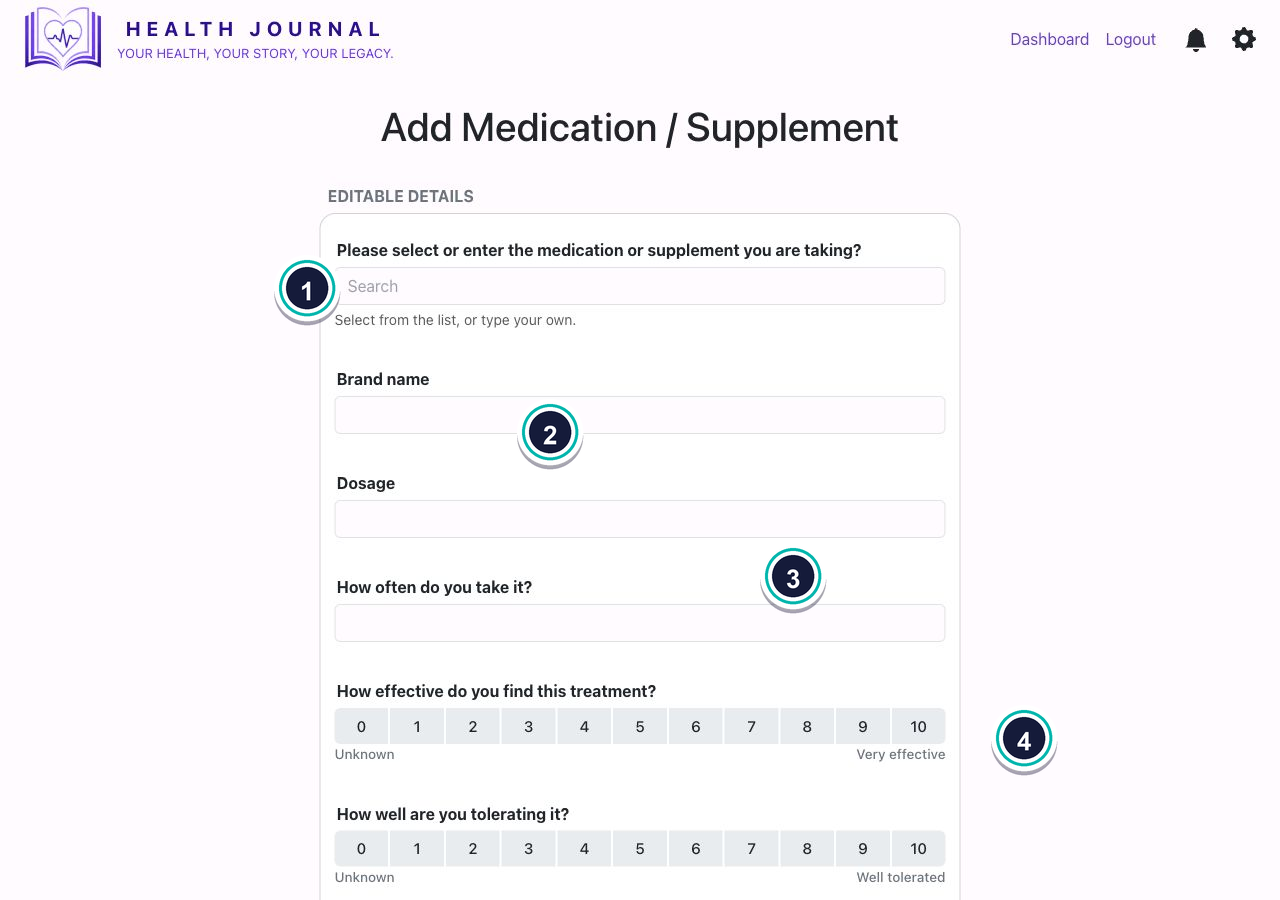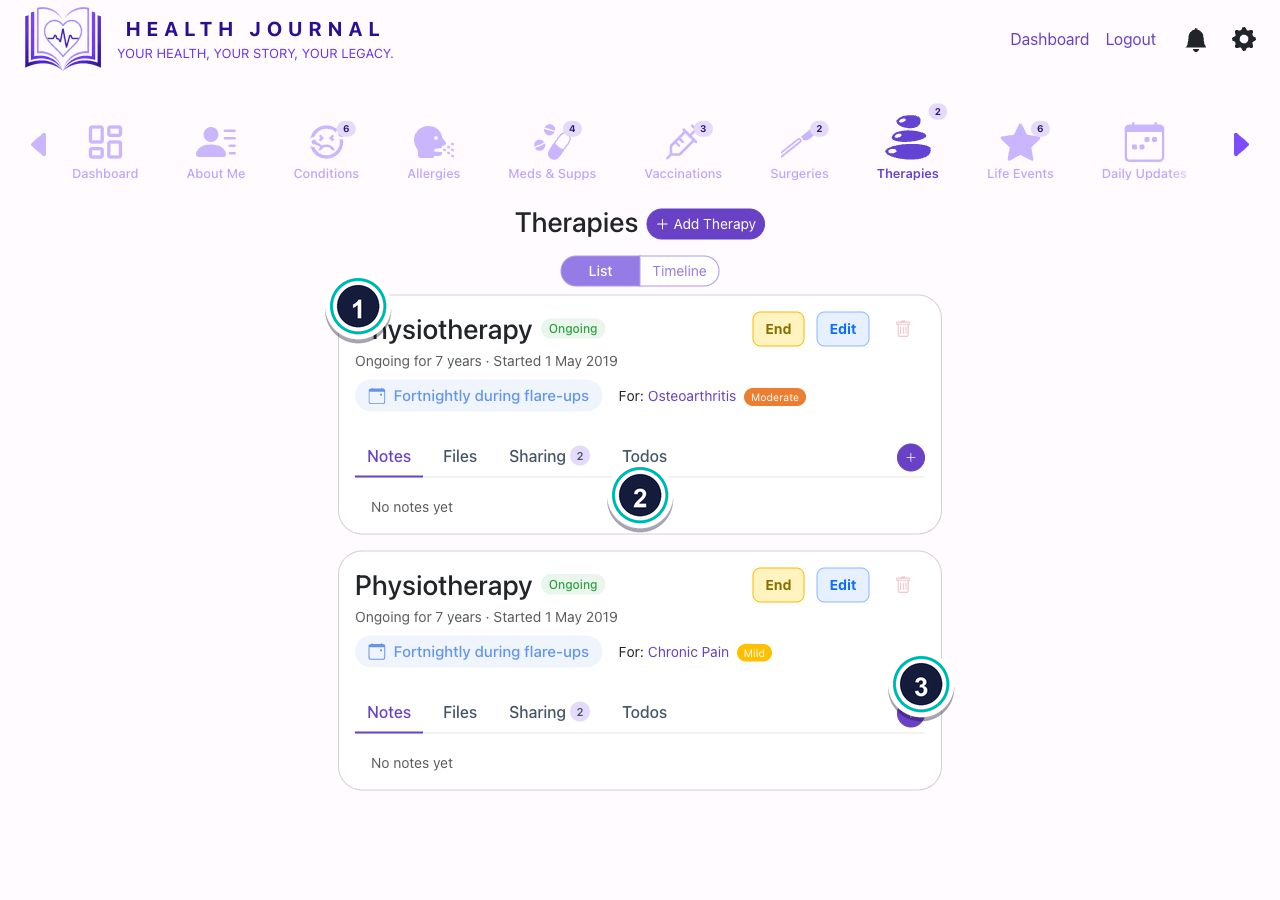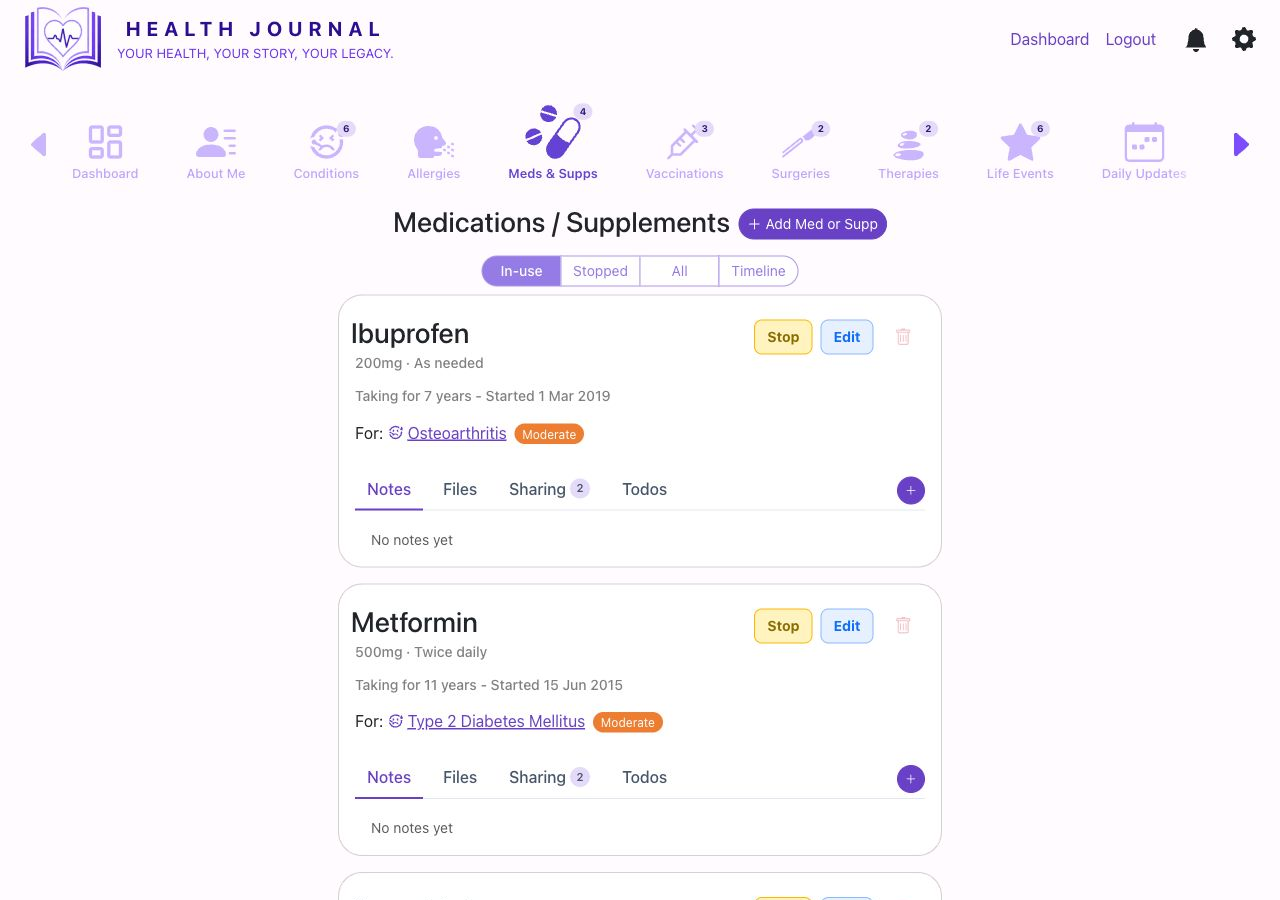
View medication and supplements
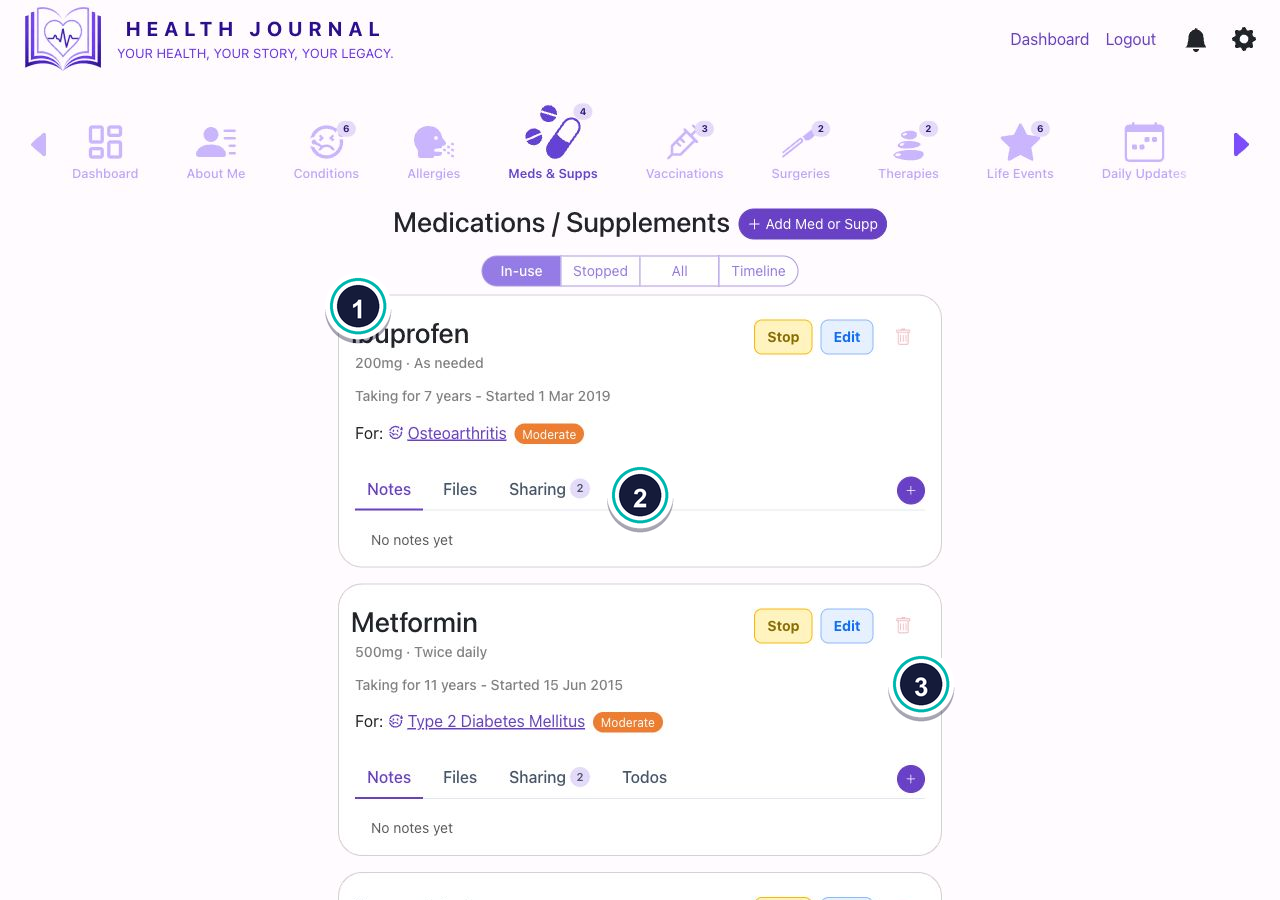
- 1Use the view switch. Choose In-use, Stopped, All, or Timeline.
- 2Read the treatment card. Cards show dose, frequency, dates, linked condition, notes, files, sharing, and todos.
- 3Look for “For”. If a medicine treats a condition, the condition appears on the card.