Help Center

Troubleshooting

Use these checks when sign-up, sign-in, sharing, or record screens do not behave as expected.

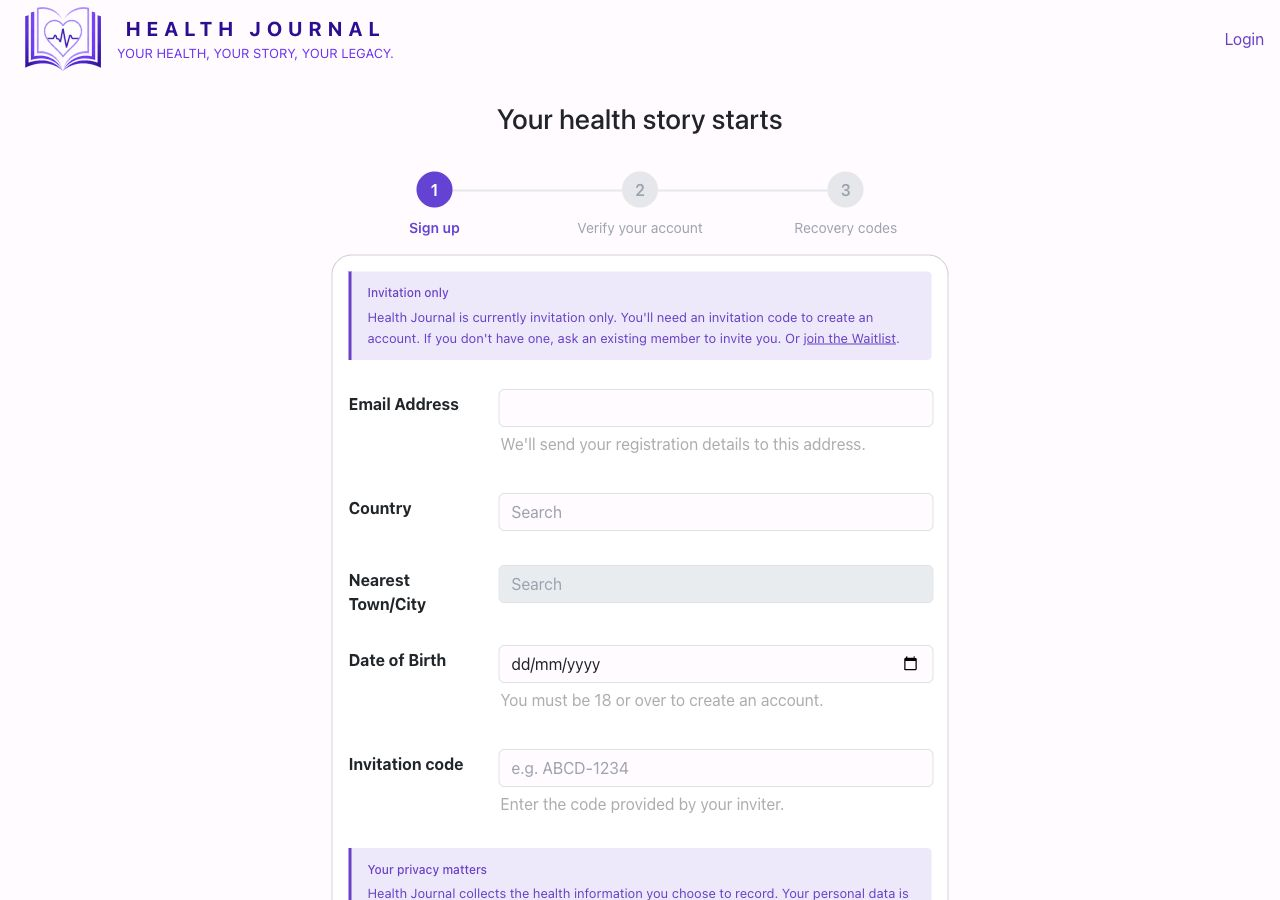
Real sign-up screen
Real app screen: sign-up form with the invitation-only message.

I do not have an invitation code
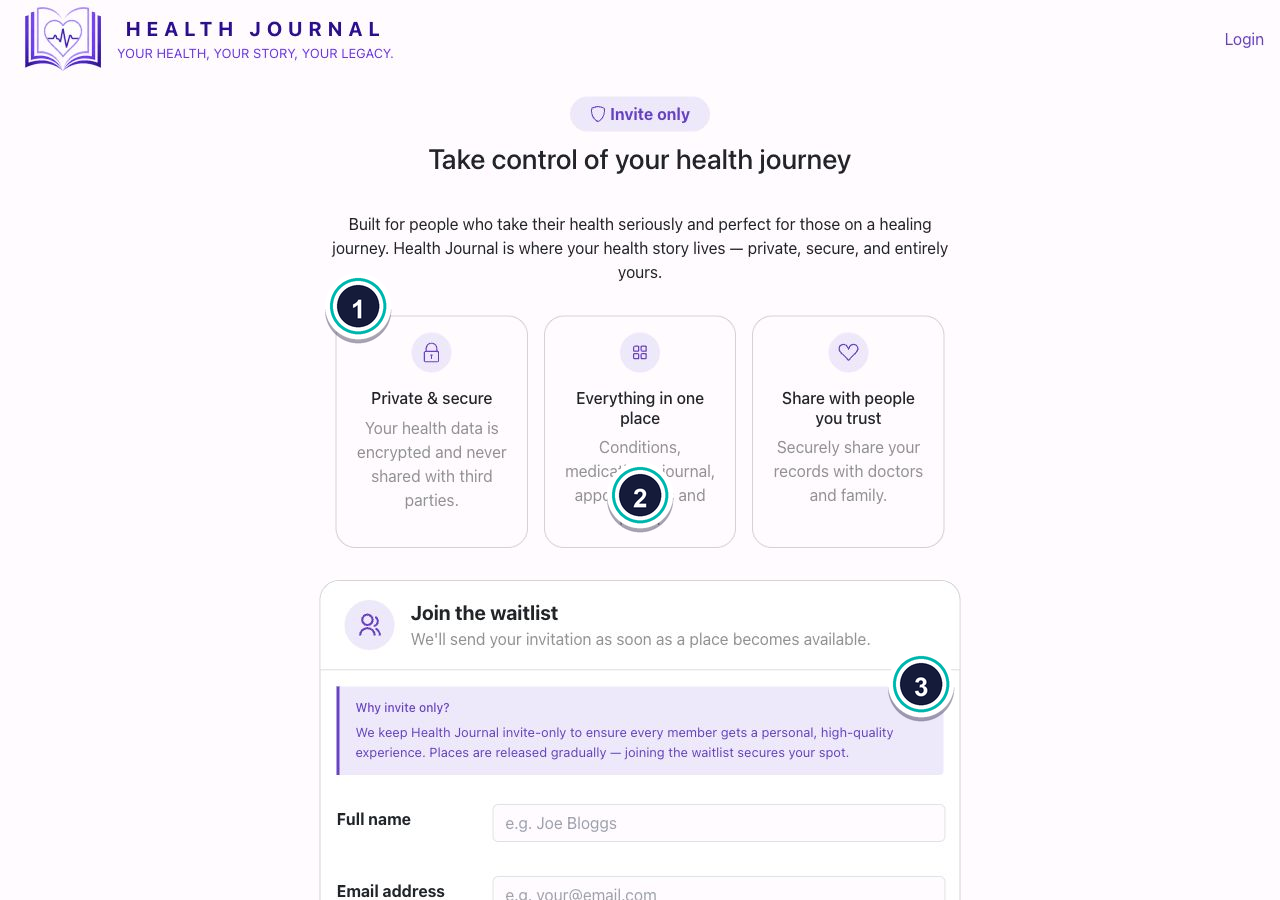
Waitlist screen
  • 1Use the waitlist. The sign-up screen links to the waitlist if you do not have a code.
  • 2Enter your name and email. Health Journal uses this to contact you when a place is available.
  • 3Do not guess a code. A valid invitation code is needed to create an account.

Login email problems

  1. Use the same email address you used to register.
  2. If you request more than one login email, use the newest one.
  3. Check junk, spam, promotions, and blocked senders.
  4. If you lost access to your email, use the account recovery link on the login screen.

A screen looks empty or wrong

  1. Refresh the page once.
  2. Check that you are signed in as the right person.
  3. Use the main navigation to return to Dashboard and open the section again.
  4. If a shared section says restricted, the record owner has not shared that section.

Sharing issues

  1. Check that the share has not expired.
  2. Check max uses if the share can only be opened a limited number of times.
  3. If journal entries are missing, check whether journal sharing was enabled.
  4. If a recipient cannot see a section, check that it was selected in the share wizard.